
Microsoft SharePoint Training in Dallas, Texas, USA
Course Description
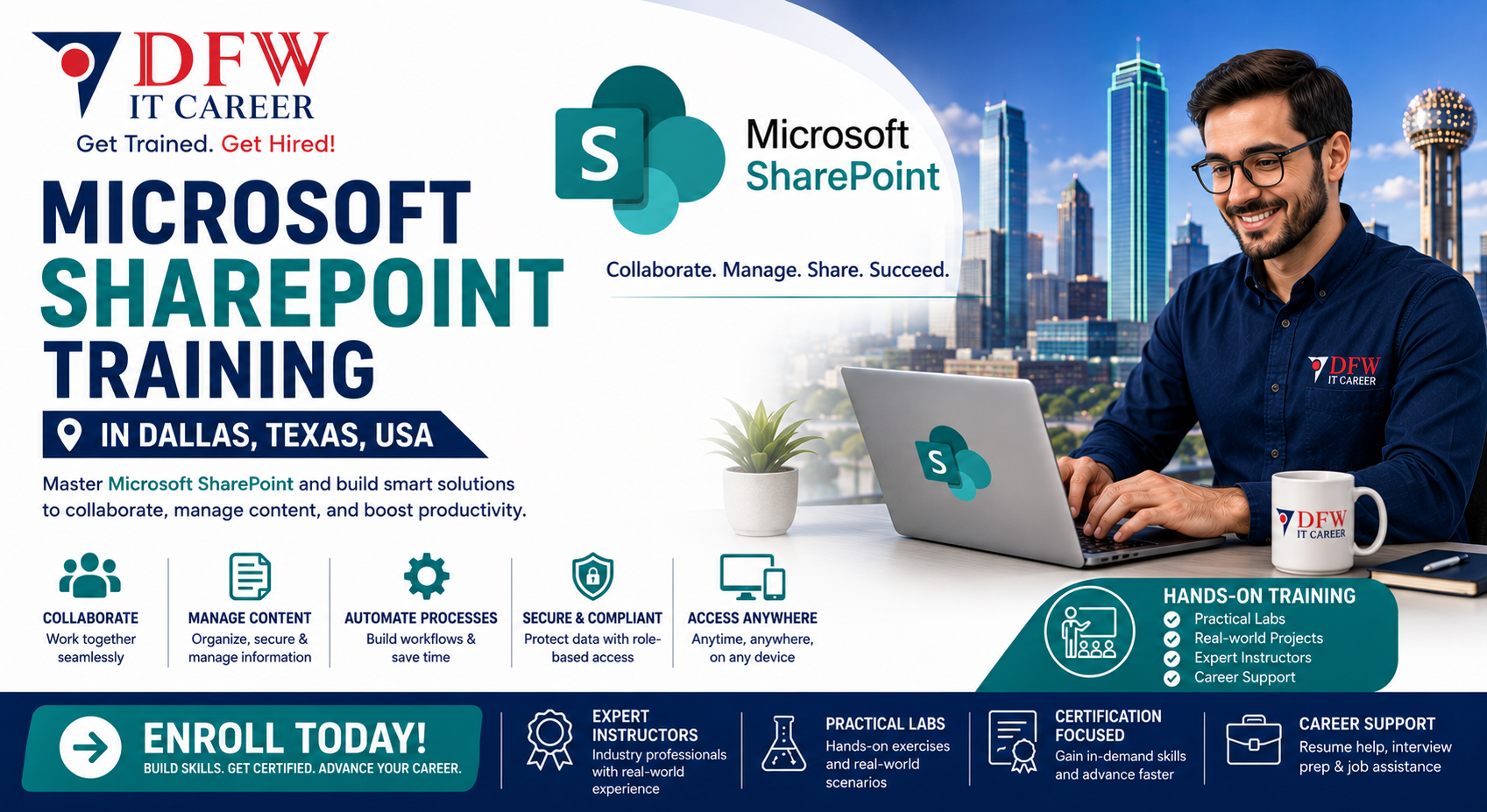
Develop in-demand collaboration and document management skills with our Microsoft SharePoint training at DFW IT Career. This program is designed to help professionals effectively use SharePoint for content management, team collaboration, and business process automation.
As a reliable Microsoft SharePoint training provider in Dallas, USA, we offer structured, hands-on training aligned with industry requirements and certification standards.
Why Choose Our Microsoft SharePoint Training in Dallas, USA?
Our Microsoft SharePoint training in Dallas, USA focuses on practical implementation and real-world use cases to ensure you gain job-ready expertise.
- Instructor-led, hands-on training sessions
- Real-world projects and business scenarios
- Updated curriculum aligned with current Microsoft standards
- Flexible weekday and weekend batches
- Career guidance and placement assistance
We are committed to delivering high-quality Microsoft SharePoint training that prepares you for real workplace challenges.
Course Overview
This Microsoft SharePoint training program covers the essential and advanced features of SharePoint, enabling you to manage content, build collaboration sites, and automate workflows.
The training also supports preparation for Microsoft SharePoint certification, helping you validate your skills in enterprise environments.
What You Will Learn in this Microsoft SharePoint Training?
In this Microsoft SharePoint training in Dallas, USA, you will gain expertise in:
- SharePoint architecture and site structure
- Document management and version control
- Lists, libraries, and content types
- Permissions and security management
- Workflow automation and integration with Microsoft 365
- Customization and site configuration
This program ensures both conceptual understanding and hands-on experience.
Who Should Enroll?
This Microsoft SharePoint training is ideal for:
- IT professionals and system administrators
- Business analysts and project managers
- Microsoft 365 users and administrators
- Individuals preparing for Microsoft SharePoint certification
Basic knowledge of Microsoft 365 is recommended.
Certification and Career Opportunities
Completing this Microsoft SharePoint training prepares you for Microsoft SharePoint certification and enhances your ability to manage enterprise collaboration platforms.
Career opportunities include:
- SharePoint Administrator
- Collaboration Engineer
- Microsoft 365 Specialist
- Business Systems Analyst
Why DFW IT Career?
DFW IT Career is a trusted Microsoft SharePoint training provider in Dallas, USA known for delivering quality IT training programs.
- Experienced instructors with industry background
- Practical, job-oriented training approach
- Small batch sizes for personalized attention
- Strong placement support network
We focus on building real-world skills that align with employer expectations.
Enroll in Microsoft SharePoint Training in Dallas, USA
Take the next step in your career with our Microsoft SharePoint training in Dallas, USA. Gain the skills required to manage modern collaboration platforms effectively.
Contact DFW IT Career today to enroll with a leading Microsoft SharePoint training provider in Dallas, USA.
Curriculum
01. Module 1: Introduction to Microsoft SharePoint
20 lectures • 0m
02. Module 2: Plan and Configure SharePoint Environment
16 lectures • 0m
03. Module 3: Manage SharePoint Sites and Pages
14 lectures • 0m
04. Module 4: Manage SharePoint Lists and Libraries
14 lectures • 0m
05. Module 5: SharePoint Framework (SPFx) Development
16 lectures • 0m
06. Module 6: SharePoint Automation and Workflows
12 lectures • 0m
07. Module 7: Security, Compliance, and GovernanceI
12 lectures • 0m
08. Module 8: SharePoint Integration with Microsoft 365
12 lectures • 0m
09. Module 9: Monitoring, Maintenance & Troubleshooting
12 lectures • 0m
10. Module 10: Advanced Topics and Best Practices
12 lectures • 0m
About the Instructor

Zahid Saeed
Microsoft 365 and AI Lead
Zahid is an accomplished global leader in Cyber Security, Collaboration and Cloud Computing with a deep focus on healthcare industry. Zahid has over 20 years of experience in leading global teams, successfully landing incubation projects and building sustainable commercial alliances with industry vendors. Highly experienced in managing and overseeing, architecting and executing complex projects and drive business initiative with an entrepreneurial mindset. Strong ability to communicate smoothly, bringing people together and connecting the dots for successful execution. Zahid and his team is enabling System Integrators to build security and collaboration practice by engaging in technology and strategy discussions / workshops to serve our customer business needs.
5.0
Instructor rating
2,700
Students
47
Courses
Student Feedback
5.00
Course rating
"The Microsoft SharePoint Training at DFW IT Career was exactly what I needed to improve collaboration and document management skills. The instructor explained SharePoint sites, libraries, permissions, and workflows with real-world business examples. I can now confidently manage SharePoint environments at work."
Michael Rodriguez
Verified Learner
"Excellent SharePoint course for both beginners and professionals. The hands-on training helped me understand site creation, document libraries, content management, and team collaboration. The instructor was knowledgeable and always available to answer questions."
Jennifer Chen
Verified Learner
"I enrolled in this course to strengthen my Microsoft 365 skills, and it exceeded my expectations. The practical exercises on SharePoint Online, permissions management, and workflow automation were extremely valuable. I highly recommend this training to anyone working in modern workplace environments."
David Patel
Verified Learner
"One of the best Microsoft SharePoint training programs I've attended. The course was well-structured and covered everything from SharePoint fundamentals to advanced collaboration features. The hands-on labs made it easy to apply what I learned immediately in my job."
Sarah Thompson
Verified Learner
"The SharePoint Training at DFW IT Career provided practical knowledge that I use every day. Learning how to manage documents, create team sites, and automate workflows has significantly improved my productivity. Great instructors and excellent course materials."
Kevin Nguyen
Verified Learner
Course Pricing
Full Plan
- Full course access
- Downloadable resources
- Certificate of completion